
THE PLAYER’S COMPANION / Call of Duty: Modern Warfare 4
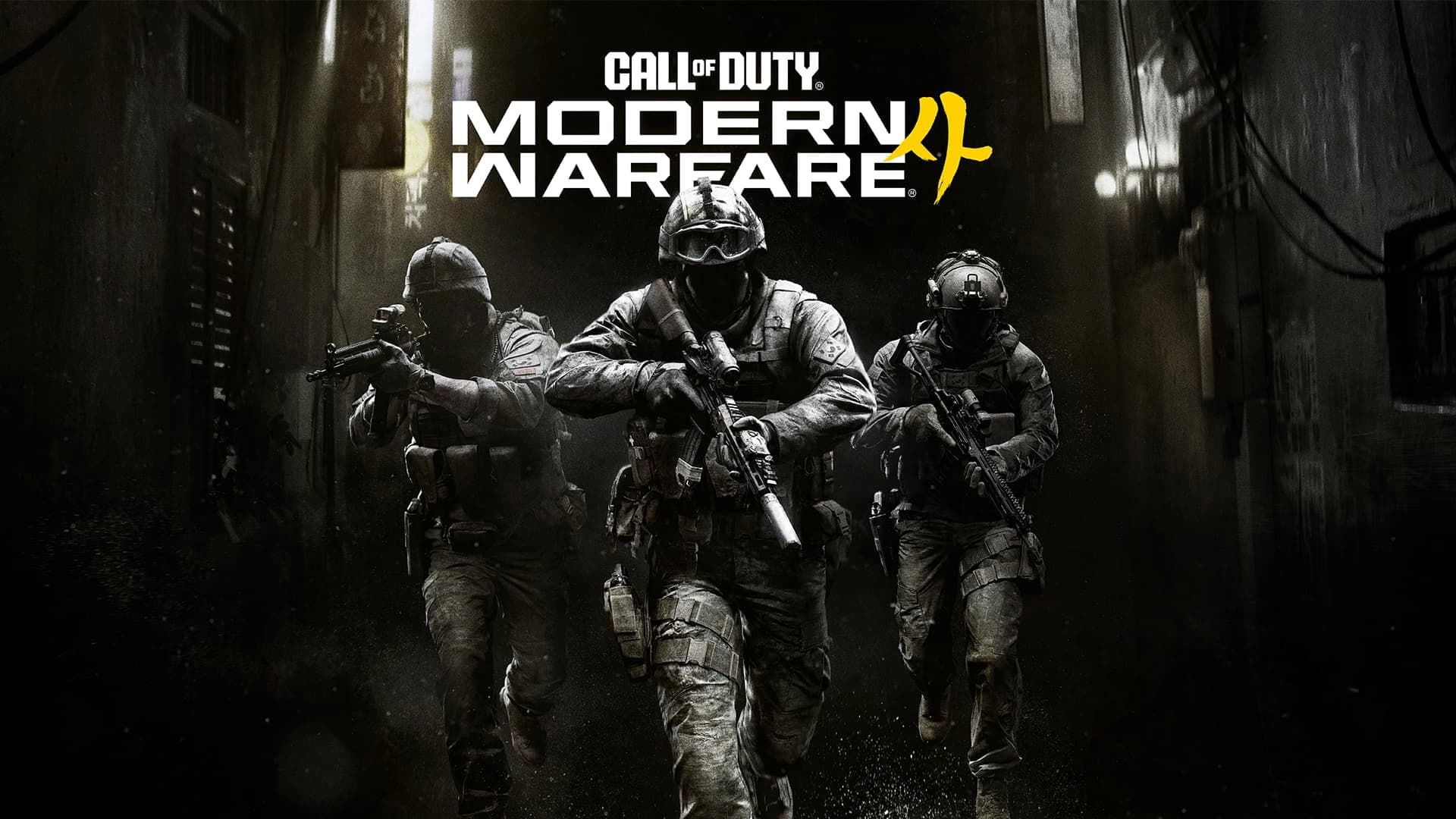
Modern Warfare 4: choose Campaign, Multiplayer or DMZ
Decide where to begin, prepare your setup and separate the announced modes from expectations that still need launch testing.
 Getting started / Beginner
Jump to a section 0% read
YOUR STARTING POINT
Decide where to begin, prepare your setup and separate the announced modes from expectations that still need launch testing.
This is an editorial preparation guide, not a hands-on review or a tested optimal build.
Choose the experience you want tonight
Activision presents Campaign, Multiplayer and DMZ as the main modes. Use that distinction to set a simple goal: follow the story, play competitive matches, or enter an extraction session. Decide with your friends before launch so you are preparing for the same activity. There is no need to master all three on the first day.
Prepare your controls and connection
Review sensitivity, button layout, subtitles and audio options before a serious attempt. Start from a setup you understand and adjust one setting at a time. On PC, check the publisher’s current requirements, including its security requirements, before assuming an older Call of Duty installation proves that the new game is ready to run.
Learn before chasing a meta
A publisher description of weapon technology cannot tell you which launch loadout will suit your playstyle. Begin with a straightforward setup, learn the routes and identify why an encounter went wrong. Give yourself a few comparable matches before deciding whether equipment, positioning or unfamiliar controls are the main problem.
Keep the release dates separate
The main release and eligible early-access periods are different milestones. Check your exact edition and platform for what is included and when it unlocks. Rayen’s existing Operation 627, Precious Cargo, Reactor and Payload videos cover Modern Warfare III from 2023; use that series for the older campaign, rather than as footage of MW4.
Sources and next steps
Read the publisher overview for the current game description. Explore the complete Call of Duty hub for platforms, release information, gameplay details and questions.
Did this answer your question?
Your feedback helps us see which guides need work when analytics is enabled.
KEEP EXPLORING