
THE PLAYER’S COMPANION / Borderlands 4
Borderlands 4: a better first co-op session
Choose a Vault Hunter, prepare your party and make sense of your early gear without chasing an untested best build.
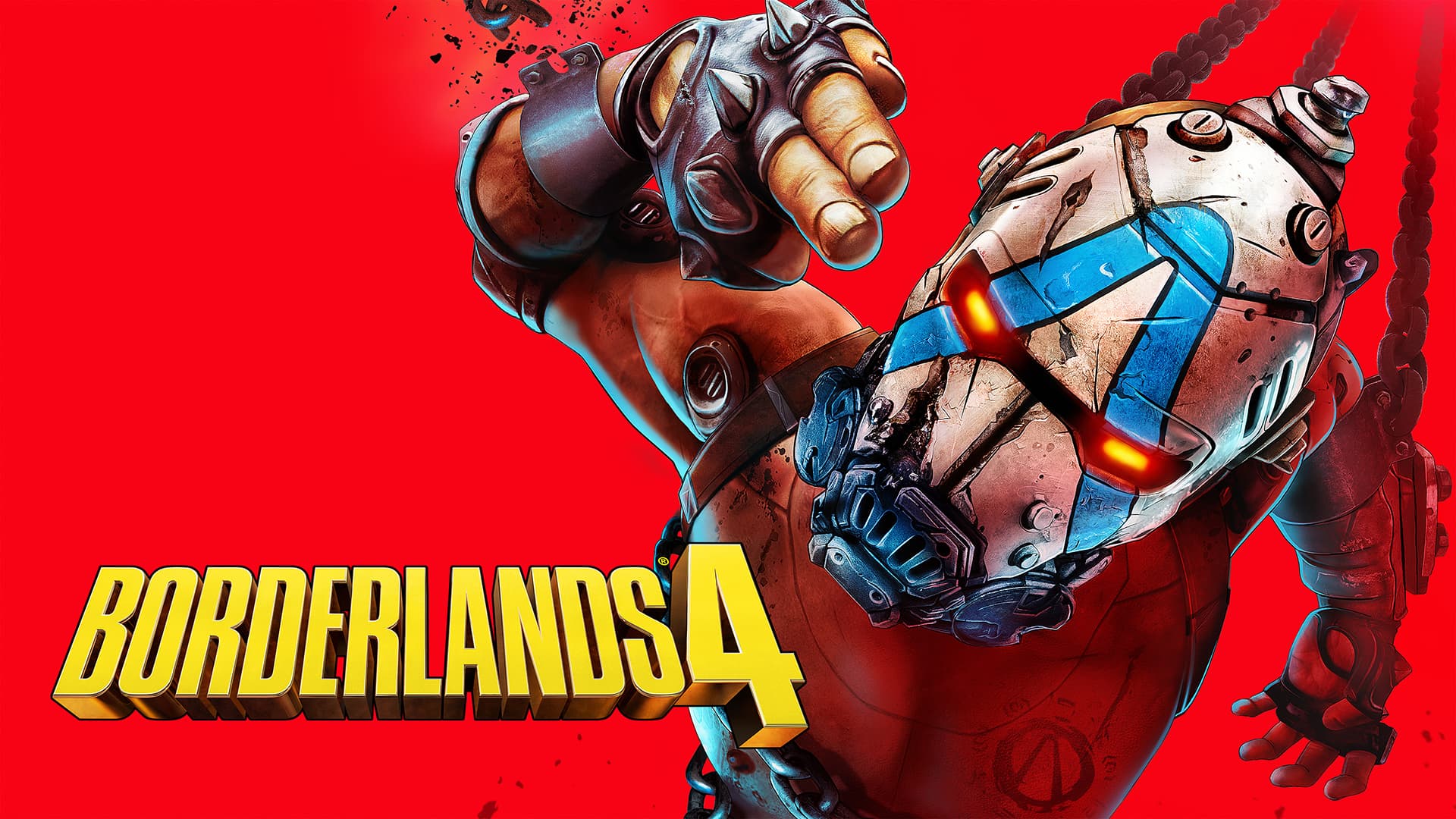 Getting started / Beginner
Jump to a section 0% read
YOUR STARTING POINT
Choose a Vault Hunter, prepare your party and make sense of your early gear without chasing an untested best build.
This is an editorial preparation guide, not a hands-on review or a tested optimal build.
Choose the ability you want to play
Begin by reading the Action Skills for the available Vault Hunters. Think about what you enjoy doing moment to moment: taking the initiative, controlling a fight or working around a distinctive ability. A character that you enjoy learning is a better starting point than a tier-list position without context. Save specialized build decisions until you understand the skill tree.
Prepare the group
The publisher lists four-player online co-op and a SHiFT account requirement for crossplay. Before the session, agree who is joining and check the platform and account setup. Decide whether you want a relaxed story run or a faster route through familiar content; this avoids one player skipping dialogue while another is trying to follow it.
Compare one piece of gear at a time
Read the item’s behavior as well as its headline numbers. Try a new weapon in a familiar encounter so you can judge how it fits your habits. Changing several pieces at once makes it difficult to identify what improved the build. Keep an alternative that feels reliable while you experiment.
Keep the party moving together
Pause briefly after major objectives so everyone can review gear and choose their next skill. If a friend is struggling, ask whether the issue is navigation, controls or equipment before recommending a completely new build. End the session by agreeing where to resume; a shared objective makes the next game night much easier to start.
Sources and next steps
Read the publisher overview for the current game description. Explore the complete Borderlands 4 hub for platforms, release information, gameplay details and questions.
Did this answer your question?
Your feedback helps us see which guides need work when analytics is enabled.
KEEP EXPLORING